
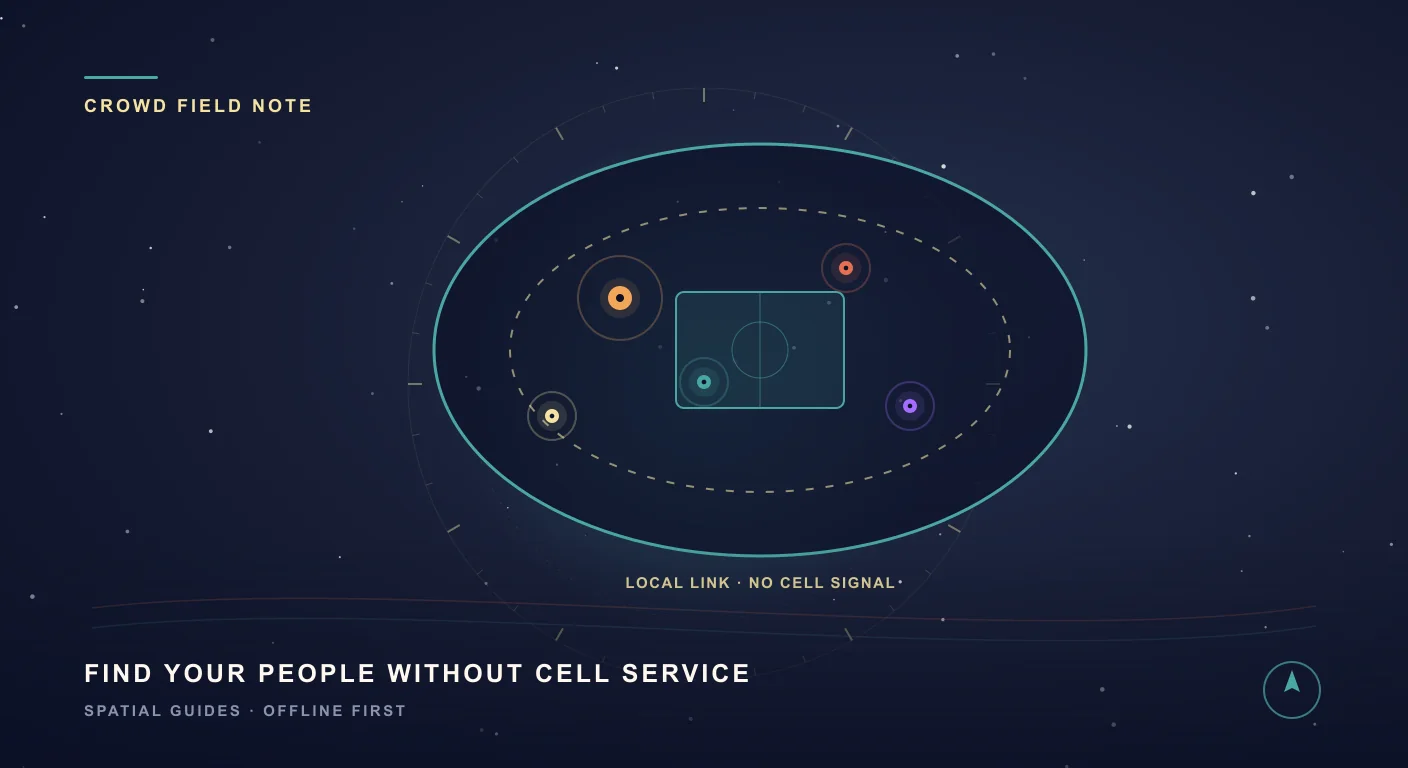
The moment 80,000 phones kill the network
The whistle blows. The stadium erupts. You jump, you turn to hug the people you came with — and they are gone. Swallowed by a sea of replica shirts and waving flags. No problem, you think. You will just text them. You open your messages and type where are you? … and the little spinner just spins. Sending. Sending. Not delivered.
This is the quiet panic of every big match. The 2026 World Cup makes it bigger than ever: the first 48-team tournament, the first hosted by three nations — the USA, Canada, and Mexico — with 104 matches across 16 host cities. Picture 80,000 strangers in one bowl, every one of them trying to post a video at the exact same second. The cell towers simply cannot breathe.
Why everything fails exactly when you need it
Getting separated in a crowd is stressful enough. What makes it worse is that every tool you would normally reach for fails at the same moment:
- The cell network is jammed. Calls drop, texts hang, and your live-location share never updates.
- Chat apps need the internet. WhatsApp, Messenger, and map pins all assume a connection that the stadium has just eaten.
- Roaming is brutal. You flew in from abroad, you are hopping between the USA, Canada, and Mexico, and every desperate retry is burning expensive data.
- Your battery is dying. A phone clawing for a signal it cannot find drains fast — and it is only half-time.
- “Meet at gate C” means nothing in a venue with eight gate Cs, three levels, and a crowd flowing the wrong way.
SIMT was built by someone who has felt all of this. So instead of fighting for a signal that is not coming, it simply stops needing one.
Connect: find each other over the local network
Here is the trick most apps miss. You do not need the internet to reach someone standing 40 metres away — you just need to reach their phone. Connect discovers the people in your group who are on the same local Wi-Fi or network and shares live direction and distance directly between your devices. No cell signal. No data plan. No roaming meter ticking.
Open Connect and your group appears as glowing blips on a radar. Tap one and you get a live arrow and distance: Sara, 40 metres, north-east. Walk the arrow, send a quiet pulse to say “I’m coming,” and weave through the crowd straight to her — while everyone around you is still staring at a frozen spinner.
You can connect from the nearby radar, or skip discovery with the clearly labelled Link with QR and Link with NFC actions. With QR, one person displays the code — and can expand it to fill the screen — while the other scans it in the Connect dialog. With NFC, one person chooses Present and the other chooses Tap. Both handoffs are short-lived and single-use.
A World Cup crowd is exactly where an app like SIMT gets popular — so some of the phones around you may be running Connect too. That is why Connect lets you draw a private circle around just the people you came with: open the Settings tool, pick a group name you all agree on — Rossi family, Section 114, whatever you like — and your radar instantly hides every device that did not set the very same name.
No shared network? Link with NFC or QR
But what if there is no shared network — no venue Wi-Fi you trust, no router, and no internet? Switch Connect to Offline. One phone presents a short-lived handoff by NFC or QR, the other taps or scans it, and SIMT forms a private Wi-Fi Direct connection between the two phones. NFC or QR carries only the one-time introduction; your encrypted Connect session then travels over that direct connection.
QR is the universal fallback: the presenting phone needs only its screen, and the scanning phone uses the small camera view inside Connect. NFC is the quickest close-range option: hold the phones back to back after choosing Present and Tap. If NFC hardware is missing or switched off, its action stays visible but disabled, while QR remains available.
The handoff expires quickly, works once, and rotates the private offline credentials whenever it is presented again. That makes it practical for match day without turning the QR image or NFC exchange into a permanent invitation. Meet, pair securely, then scatter to your seats, the food stalls, or the restrooms knowing Connect can guide you back to each other.
And your car? Track+ remembers the way back
There is one more place every fan dreads after the final whistle: the underground car park. Three levels of identical grey concrete, twelve thousand cars, and — because concrete blocks satellite signals — no GPS to save you. This is where Track+ quietly shines.
As you walk in from your parking spot, Track+ uses motion sensors — not GPS — to trace your route. After the match, you follow that breadcrumb trail in reverse, straight back to the car, while the crowd around you wanders in circles muttering “I think it was level 2?”
Keep reading Finding your car has its own full playbook — here is the step-by-step for getting back to it in GPS-denied underground parking.Find Your Car Underground Without GPS If GPS keeps failing in a parking garage, SIMT Track+ gives you a practical way to recover your route, keep orientation, and find your car underground without depending on a stable signal.Built for travelers: private, offline, and easy on your battery
Finding your group is really one piece of a bigger idea. SIMT is a privacy-first, offline, battery-efficient travel companion — and a World Cup spread across three enormous countries is exactly what it was made for.
- Offline by design. Compass, targets, direction, and Connect run on your device, so you are not paying eye-watering roaming fees just to find your friends in another country.
- Private by default. Your location is not uploaded to a server or sold to anyone. Connect encrypts it directly to the devices you approve, pins their identity after verification, and warns you if a saved key changes.
- Battery-efficient. SIMT is built to sip power, not gulp it — because the worst time for a dead phone is the long way home after extra time and penalties.
- One app across all three host nations. No new SIM, no new app, no setup at every border — the same SIMT works in New York, Toronto, and Mexico City.
Most apps assume the network will always be there. SIMT assumes it won’t — and works anyway.
Your match-day game plan
Five minutes of setup buys you a stress-free day. Here is the routine:
- Before you fly, install SIMT — it is free, and there is no account to create.
- At the meeting point, link over the local network, or use QR or NFC to create a private offline connection with no shared router or internet.
- On first contact, compare the security code on both phones and confirm only when the entire code matches. Later matching reconnects show no new code.
- Agree on a group name and set it in Connect so your radar shows only your crew, even if half the stadium is running SIMT too.
- Drop a target on your seats or your agreed meeting spot so anyone can navigate back to it.
- When you park, start Track+ before you leave the car in the underground lot.
- Enjoy the match — fully present, because you already know you can always find each other again.
SIMT is an independent app and is not affiliated with, endorsed by, or sponsored by FIFA or the 2026 World Cup. We just really like helping people find each other.
Questions answered in this guide
How can I find my friends in a stadium when there is no signal?
Use SIMT Connect. It discovers people in your group on the same local Wi-Fi or network and shares live direction and distance directly between your phones, without needing a cell signal or the internet. You see each friend as a blip on a radar with a bearing and distance, and you simply walk the arrow.
Can I filter Connect so it only shows my group?
Yes. In Connect, open the Settings tool and set a group name that everyone in your party types exactly the same. Your radar then shows only people in that group and hides every other SIMT device nearby, and a link can only form between devices in the same group. Leave the group name empty to discover everyone around you as before. Matching ignores capitalization, and the name stays on your device — it is never broadcast in readable form.
Does SIMT need the internet or a data plan to share location?
No. Connect works device-to-device over a local network or forms a private Wi-Fi Direct connection when no shared network is available. You can pair the phones with NFC or QR, and nothing is uploaded to a server, so no data plan or roaming is required.
How does linking by NFC work?
Open Link with NFC on both phones. One person chooses Present, the other chooses Tap, and the phones exchange a short-lived, single-use introduction across a few centimetres. Both people then compare and confirm the same security code. In Offline mode, SIMT uses that introduction to form a private Wi-Fi Direct connection, so no shared Wi-Fi network, mobile data, or internet is required.
Can I link with QR if one phone does not have NFC?
Yes. One person chooses Display in Link with QR and the other chooses Scan. The QR code can expand to the full screen for easier scanning, works in both Local Network and Offline modes, expires quickly, and can be used only once. On first contact, both people compare and confirm the same security code. On a later reconnect with the same pinned key, the scanning phone waits while the receiving person accepts; no new code is required.
How do I find my car in an underground stadium car park?
Underground concrete blocks GPS, so SIMT Track+ uses your phone’s motion sensors to record the path as you walk in from your car. After the match you follow that recorded breadcrumb trail in reverse, straight back to your parking spot.
Will SIMT cost me roaming or drain my battery while traveling?
No. SIMT is offline-first, so finding your group and navigating do not rely on mobile data or expensive roaming across the USA, Canada, and Mexico. It is also designed to be battery-efficient, so it will not flatten your phone before the journey home.
Is my location private when I use Connect?
Yes. Your location stays on your device and is shared through an end-to-end encrypted connection only with people you approve. First contact requires both people to compare the same code, Connect remembers the verified device identity, and a changed security key triggers a warning instead of being silently accepted.
More from SIMT Blog

Release update
What's New in SIMT 2: The Cosmos Update
SIMT 2 arrives with a warm deep-space redesign and the biggest feature wave the app has ever shipped: Automations, gift views, target bulk actions and archiving, moon phases, seven UI roles, a hardened GNSS engine, and real performance gains.
Release update
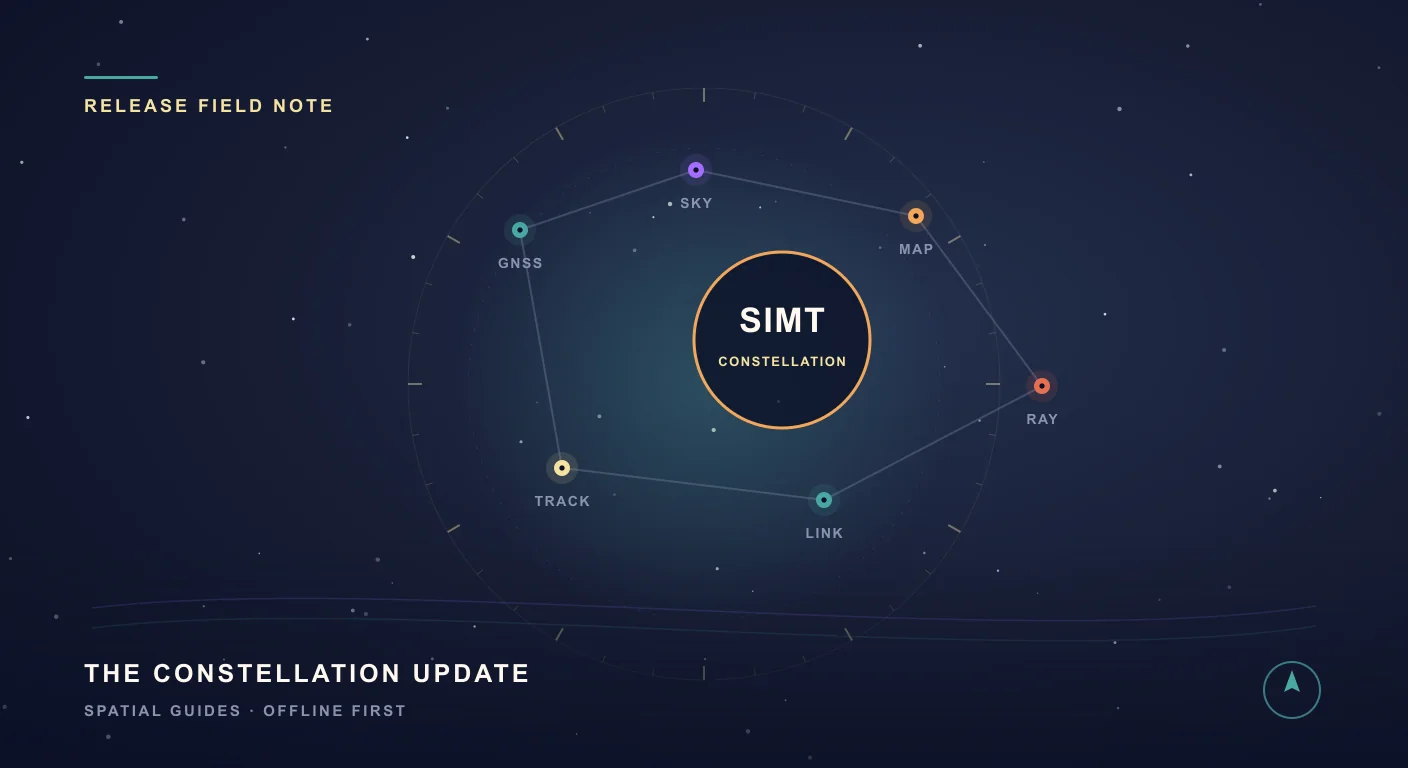
What's New in SIMT 1: The Constellation Update
The Constellation Update is SIMT's biggest release wave to date: write on your own maps, command positioning satellites, fly through a living solar system, play GeoQuest, link multiple devices, and back everything up to Google Drive — all from one compass app.