
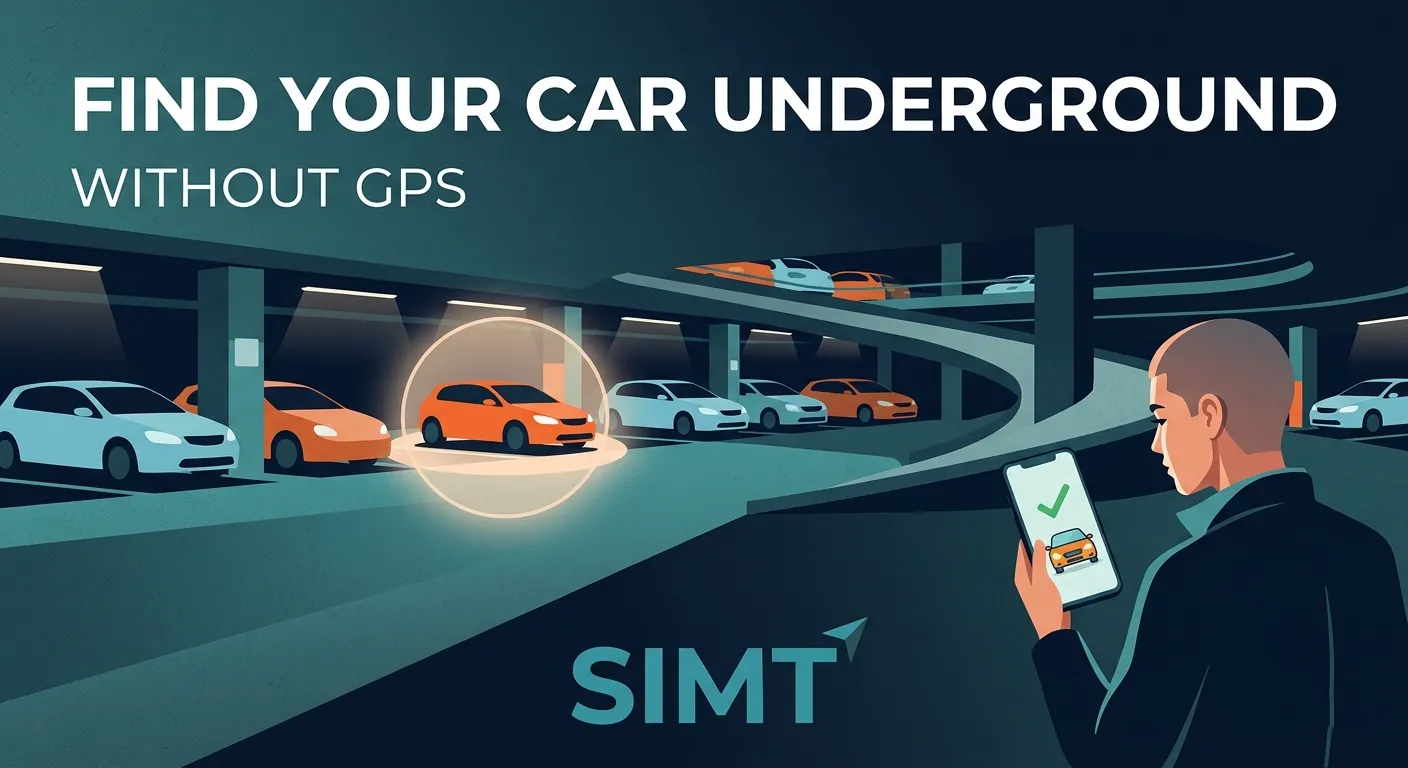
What Track+ does differently underground
- Save the parked car as a target before you walk away.
- Use checkpoints when moving between key turns, ramps, or elevators.
- Recover direction with compass and motion context when the signal fades.
- Keep the workflow useful offline instead of depending on a live network round trip.
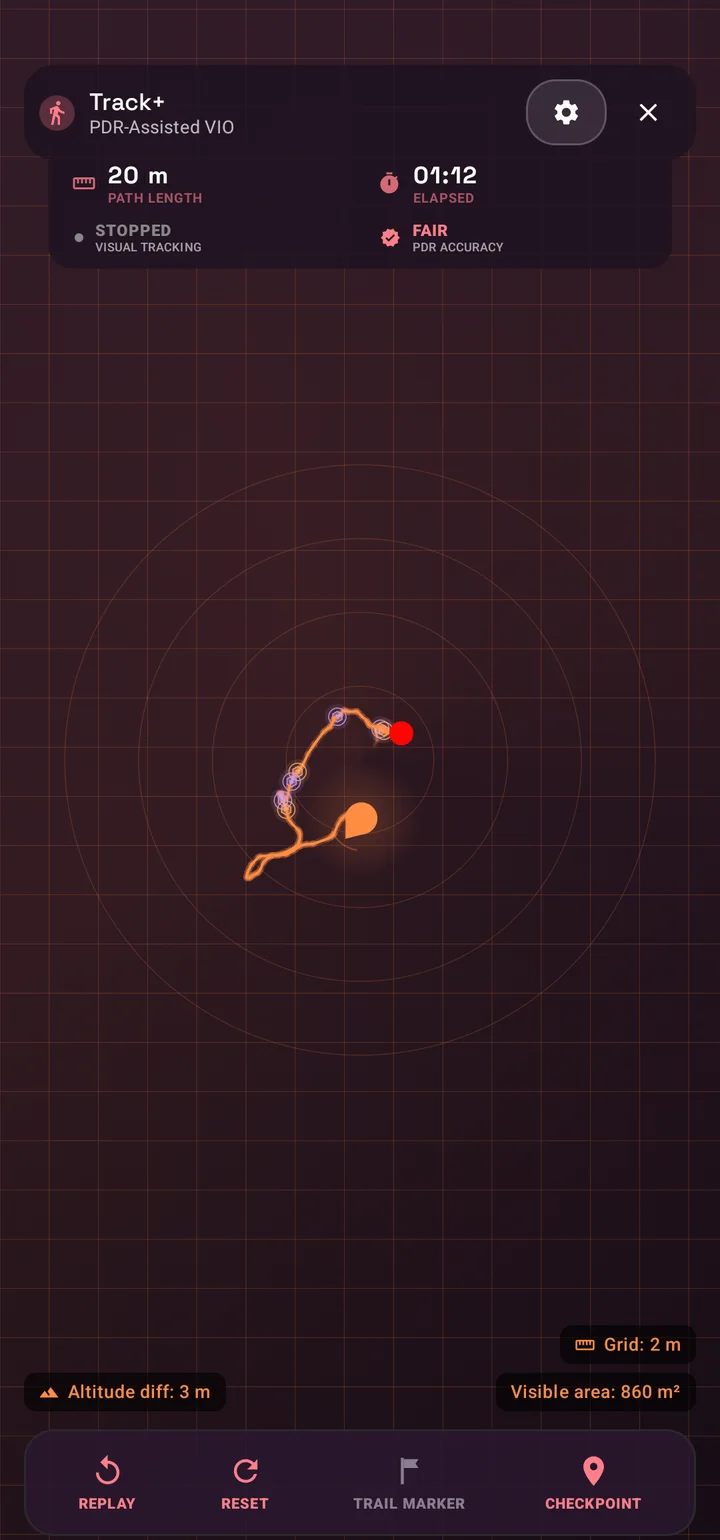
This is what makes SIMT relevant to underground parking navigation app searches. It is not pretending the garage is a clean GPS environment. It is designed around the fact that the environment is hostile to normal positioning.
The best workflow before you leave the car
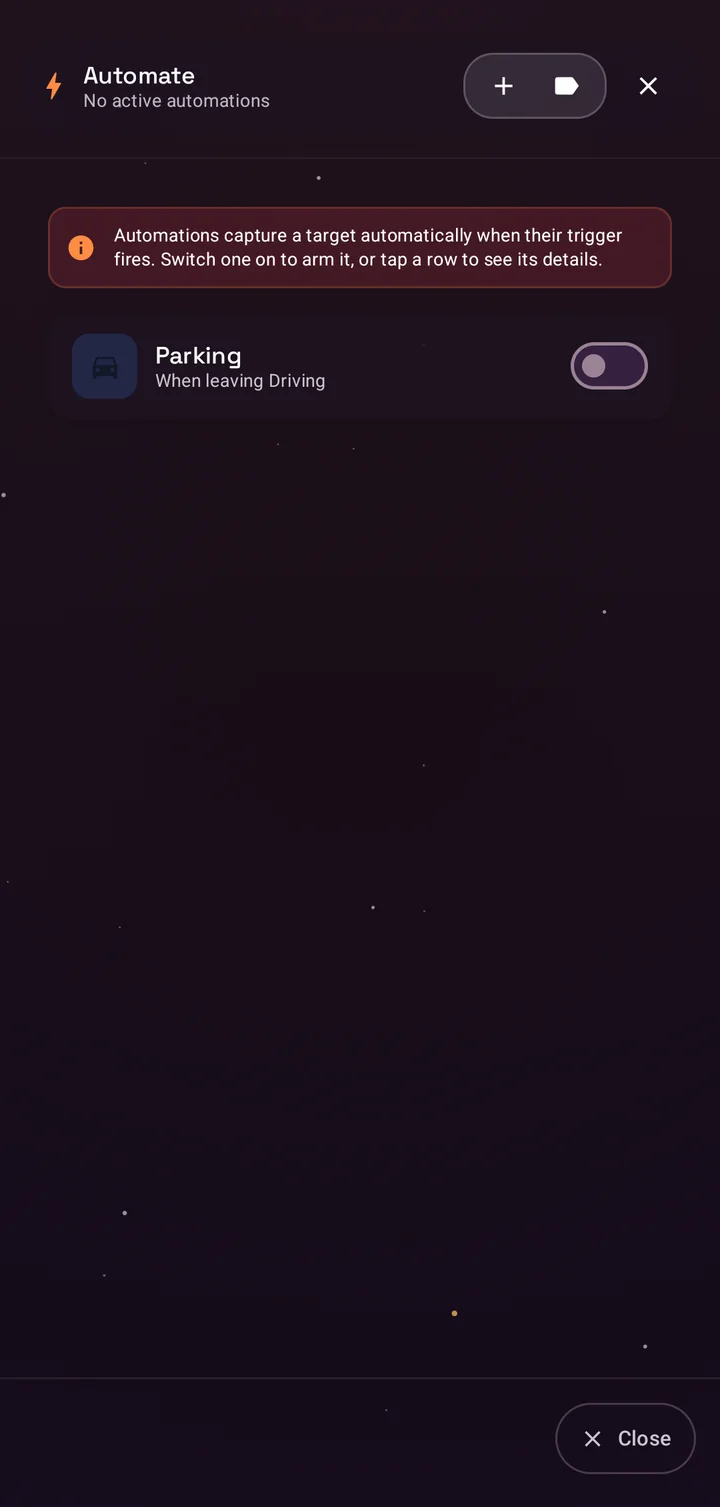
The easiest recovery starts before you walk away. When you park, mark the location as a target, note the level or section, and create a checkpoint if the garage layout is confusing. That one minute of setup changes the return trip completely.
- Save the vehicle position immediately while you still know the exact spot.
- Add a note or photo if the garage uses repeating colors or letters.
- Create checkpoints near ramps, elevators, or unusual turns.
- Keep the target visible so the return route has a fixed reference.
How to find your way back when GPS stops working
On the way back, use the saved target, direction cues, and checkpoints together. If the garage blocks GPS, SIMT still gives you useful orientation and weak-signal recovery support so you are not walking blind between identical rows and levels.
The winning move underground is not asking for perfect live location. It is keeping enough directional and path context to recover the route you already made.
That distinction matters. A normal map app fails when the live location becomes unreliable. Track+ still helps because the task is route recovery, not only live map following.
Why SIMT fits this problem better than ordinary maps
SIMT combines target saving, direction tools, weak-signal recovery, and offline-first behavior in one workflow. That makes it a stronger answer for underground car-finding than a general map app that mainly expects road routing and stable outdoor positioning.
- It treats the garage as a weak-signal problem, not a failed road route.
- It lets you work from targets and checkpoints instead of only a drifting blue dot.
- It stays useful without requiring a reliable data connection.
- It fits a real pain point people search for repeatedly after getting stuck underground.
The practical takeaway
If you often forget where you parked underground, or GPS keeps failing in multi-level garages, the solution is not a louder map. It is a recovery workflow built for weak signal. SIMT Track+ gives you that by combining targets, checkpoints, direction tools, and offline support in one app.
Questions answered in this guide
Can I find my car in a parking garage when GPS is not working?
Yes. That is exactly the kind of situation Track+ is designed for. It helps you recover the route using saved targets, checkpoints, and direction context instead of depending only on strong GPS.
What should I do before leaving my car underground?
Save the parked location as a target, add a note or photo if needed, and create checkpoints near ramps or elevators. Those references make the return trip much easier.
Why do map apps struggle in parking garages?
Concrete, repeated levels, and poor satellite visibility make live positioning drift or fail. Most map apps are optimized for outdoor routing, not indoor or underground route recovery.
Does SIMT need internet to help me get back to the car?
No. SIMT keeps useful offline direction and target workflows available, which matters in garages where both signal and connectivity can be unreliable.
More from SIMT Blog

Release update
What's New in SIMT 2: The Cosmos Update
SIMT 2 arrives with a warm deep-space redesign and the biggest feature wave the app has ever shipped: Automations, gift views, target bulk actions and archiving, moon phases, seven UI roles, a hardened GNSS engine, and real performance gains.
Release update
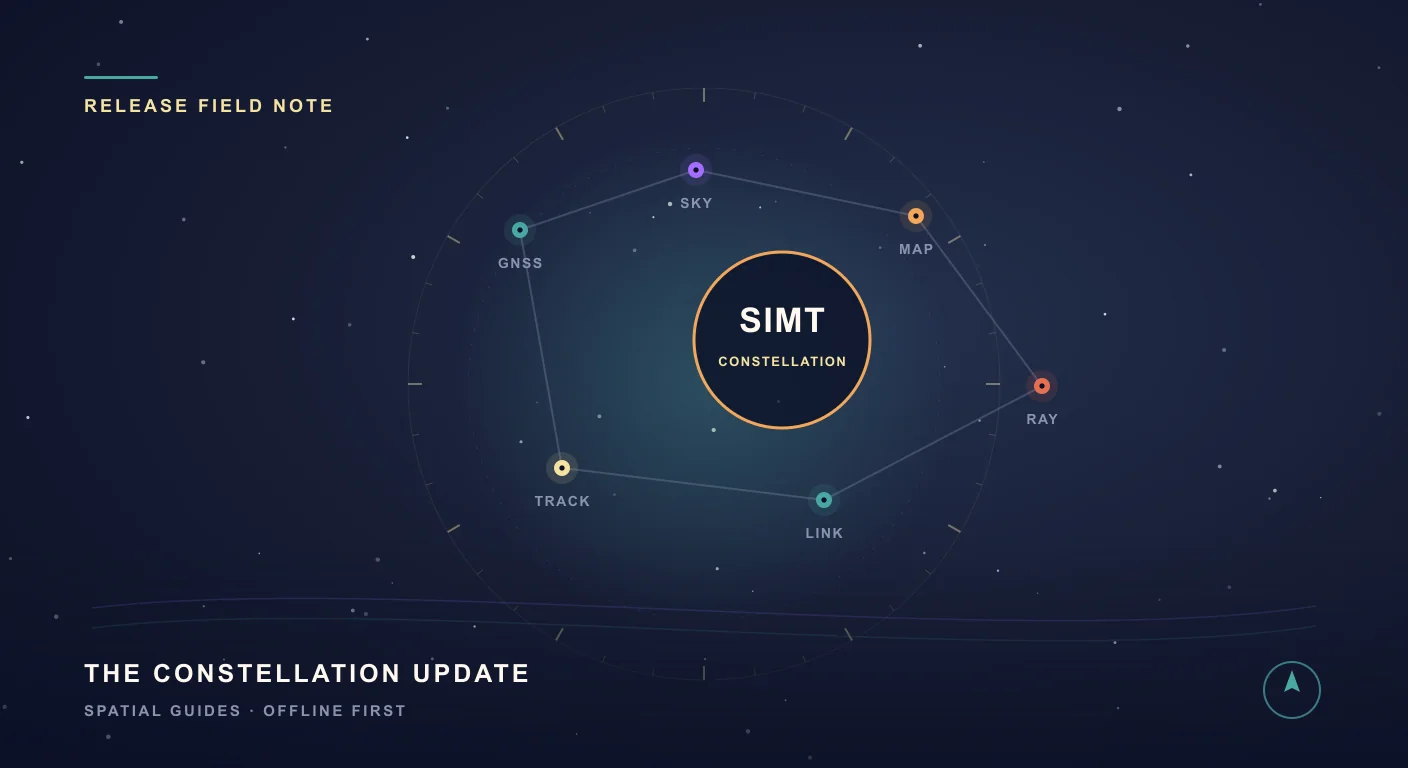
What's New in SIMT 1: The Constellation Update
The Constellation Update is SIMT's biggest release wave to date: write on your own maps, command positioning satellites, fly through a living solar system, play GeoQuest, link multiple devices, and back everything up to Google Drive — all from one compass app.