
What people usually mean by offline navigation
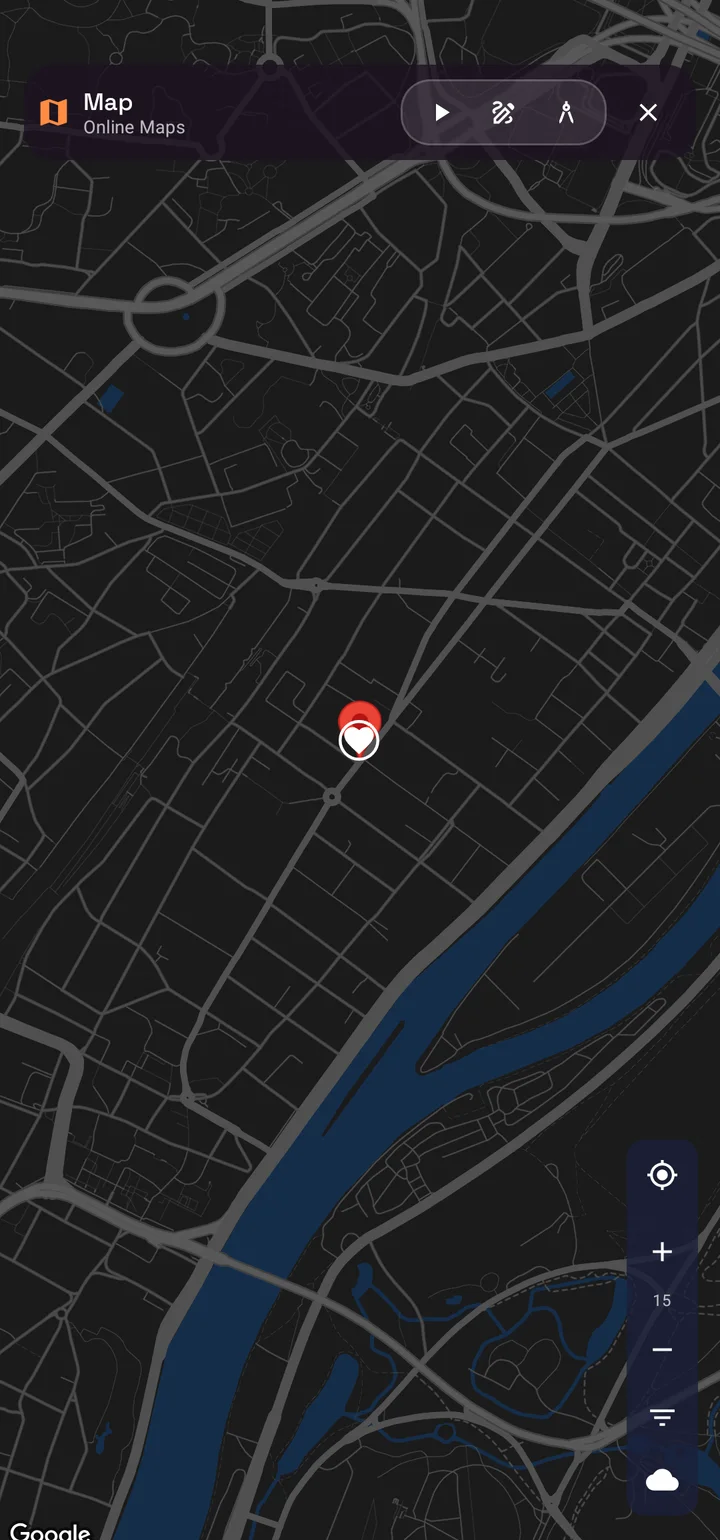
When people search for the best offline navigation app, they often think about downloading maps for later use. That matters, but it is only part of the story. A map can be available offline and still become useless the moment your position drifts indoors, the GPS weakens underground, or the route problem becomes directional instead of road-based.
This is why searches like navigation app without internet and GPS weak signal navigation are not exactly the same. One is about connectivity. The other is about how the app behaves when the positioning environment itself becomes unreliable.
Why offline maps alone are not enough
- Offline maps do not automatically solve weak GPS indoors or underground.
- A cached road network does not help much in parking garages, malls, basements, or repeated-floor structures.
- Compass direction, saved targets, checkpoints, and fallback workflows matter when the blue dot cannot be trusted.
- The best offline app is the one that stays useful after the obvious signal assumptions break.
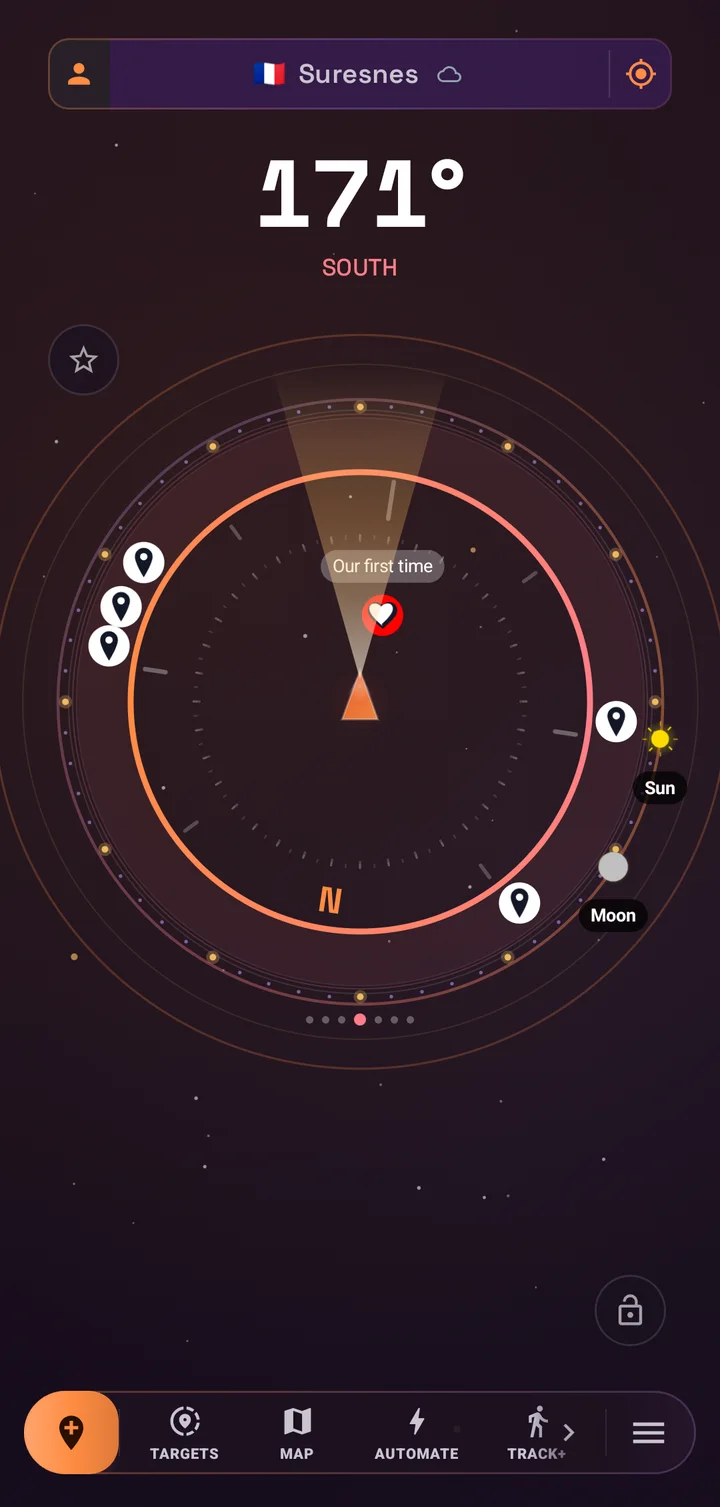
That is the gap SIMT is built to fill. It is not only a map viewer with offline support. It is a spatial toolkit designed for situations where navigation becomes messy, ambiguous, or signal-starved.
Where SIMT stands out against normal offline navigation apps
- Compass-driven direction when roads are not the full answer.
- Saved targets and checkpoints instead of pure route dependency.
- Track+ for weak-signal recovery in indoor and underground environments.
- Offline-first behavior across more than one feature surface, including planning and orientation.
The use cases that matter most
The best offline navigation app depends on where things break for you. If your main issue is rural roads and no internet, many apps can help. If your issue is unstable signal, indoor routing, underground recovery, and directional uncertainty, the field gets much smaller.
- Underground parking where GPS becomes unreliable.
- Indoor spaces where direction matters more than road routing.
- Travel situations where internet is limited but targets still matter.
- Field work where compass, recovery, and backup navigation all need to live together.
What to look for before choosing one
If you are comparing offline navigation apps, the better question is not only whether maps download. Ask whether the app still helps when signal weakens, when routes repeat, when you need direction without roads, and when you want recovery instead of a simple turn-by-turn line.
Offline is table stakes. Fallback behavior under weak signal is the real differentiator.
The short answer
If you only need offline maps, many apps are good enough. If you need the best offline navigation app for weak signal, indoor, and underground use, SIMT stands out because it combines offline planning, direction tools, target recovery, compass workflows, and Track+ weak-signal support in one product.
Questions answered in this guide
What makes an offline navigation app good in weak signal areas?
The best one does more than cache maps. It needs fallback direction tools, target recovery, and useful behavior when GPS becomes inaccurate or unreliable.
Is an offline map app enough for underground navigation?
Usually not. Underground environments need route recovery and direction context, not only downloaded map tiles. That is where SIMT Track+ and target tools help more.
Can SIMT work without internet?
Yes. Many SIMT workflows are designed to stay useful offline, including compass views, target planning, recovery support, and several navigation fallback behaviors.
Why is SIMT different from a standard offline navigation app?
SIMT is not limited to offline maps. It combines direction-finding, saved targets, weak-signal recovery, and broader spatial tools for indoor, underground, and constrained conditions.
More from SIMT Blog

Release update
What's New in SIMT 2: The Cosmos Update
SIMT 2 arrives with a warm deep-space redesign and the biggest feature wave the app has ever shipped: Automations, gift views, target bulk actions and archiving, moon phases, seven UI roles, a hardened GNSS engine, and real performance gains.
Release update
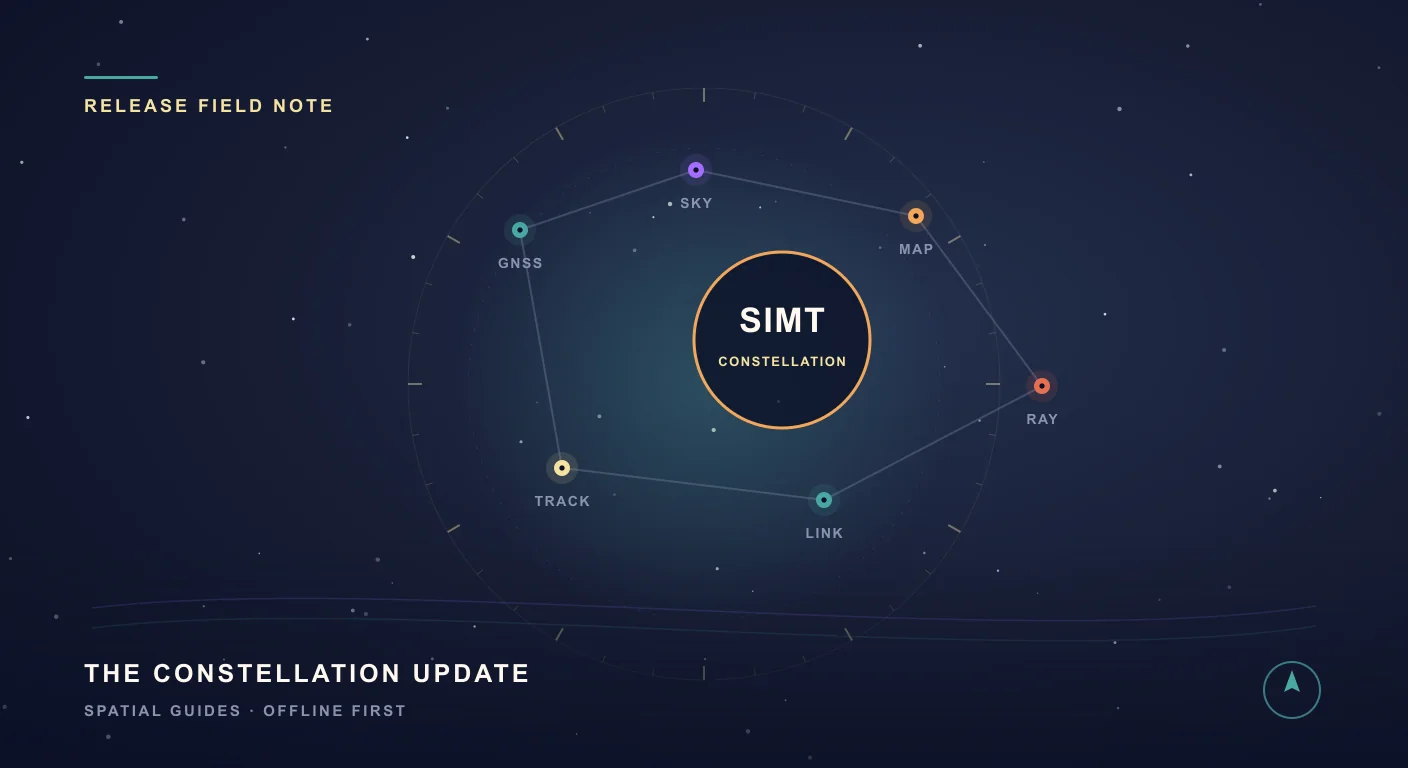
What's New in SIMT 1: The Constellation Update
The Constellation Update is SIMT's biggest release wave to date: write on your own maps, command positioning satellites, fly through a living solar system, play GeoQuest, link multiple devices, and back everything up to Google Drive — all from one compass app.