
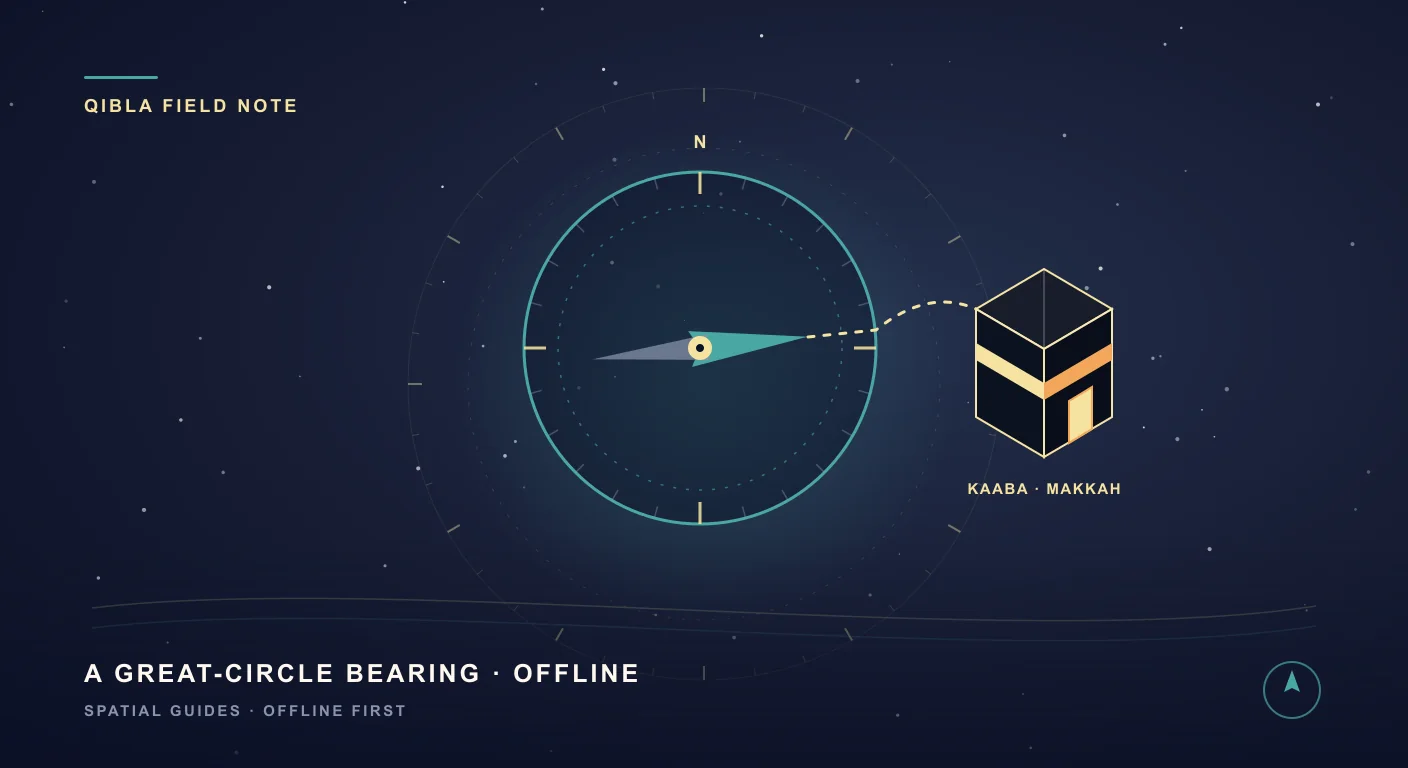
Two billion people, one point on Earth
Five times a day, nearly two billion people turn to face a single point on Earth: the Kaaba, at the heart of the Masjid al-Haram in Mecca. It is one of the most beautiful acts of coordination in human life — a planet-wide circle of people all turning toward the same centre.
But it raises a very practical question. You are in a new city. A hotel room. A mountain trail. An airplane. There is no mosque in sight and your phone has no signal — which way is the Qibla? The good news: you can find it precisely, anywhere on Earth, with nothing but your phone. Here is how it works, and why getting it right is more interesting than most apps admit.
What the Qibla actually is
The Qibla is simply the direction from where you are to the Kaaba. But “direction” on a globe is a subtle thing — and that subtlety is exactly where most people, and many apps, go wrong.
Why the Qibla isn’t where you think
On a sphere, the shortest path between two points is not a straight line on a flat map — it is a great circle (the same reason long-haul flights arc toward the poles instead of flying “straight across”). The Qibla is the initial bearing of that great-circle path to Mecca.
This produces a famous surprise: from much of North America, the Qibla points north-east — not south-east, as a flat world map would suggest. Mecca is south and east of New York, yet the shortest path across the curved Earth heads up and over toward the north-east. A flat map lies; the globe tells the truth. That is why a real Qibla finder has to do proper spherical math from your exact latitude and longitude — not just point roughly toward Saudi Arabia.
Why your phone’s compass lies (and how to fix it)
Even with the right direction calculated, there is a second problem: the compass itself. Phone compasses read the Earth’s magnetic field, and they suffer from three things:
- Magnetic declination — true north and magnetic north can differ by many degrees depending on where you are. A compass that ignores this can be off by 10–20°.
- Interference — car frames, speakers, metal desks, even some phone cases pull the magnetometer off course.
- Poor calibration — the familiar figure-8 wobble and drift.
SIMT tackles all three. It corrects for declination using the World Magnetic Model, and — uniquely — it lets you calibrate against the Sun or the Moon. Point your camera at the Sun, align the crosshair, and SIMT compares the sky’s true position (which it computes from your location and time) against your compass reading, then corrects the difference. It is celestial navigation — the technique sailors trusted for centuries — turned into a 30-second tap. When you can see the sky, you can trust your Qibla.
How to find the Qibla with SIMT, fully offline
Because SIMT stores its map data and does its astronomy and direction math on your device, the whole thing works on a plane, in the desert, or anywhere the bars hit zero.
- Open SIMT and select the Kaaba / Mecca target — it is built in.
- Hold your phone flat. The compass shows the precise bearing to the Kaaba, plus the exact distance to Mecca.
- For maximum accuracy, tap calibrate and align the crosshair with the Sun or Moon.
- Turn until you are facing the target. That is your Qibla.
Prefer your interface in your own language? SIMT is fully available in Arabic, English, French, and Spanish — العربية, English, Français, and Español.
A small toolkit for the worshipper
Facing the right way is just the start. SIMT quietly includes a few astronomical tools that many Muslims find genuinely useful through the day and the year:
- Sunrise and sunset times for your exact location — useful for anticipating the windows around Fajr and Maghrib, since the day’s prayers are framed by the Sun.
- Moon phases — see the lunar cycle at a glance, a helpful guide when you are anticipating the new crescent that begins a new Hijri month, including Ramadan and the two Eids.
- A live solar system and sky view, if you simply love to look up and reflect on the order of creation.
Made for travel, Hajj, and Umrah
Because it works offline and lets devices share location directly with each other over a local connection — no cell signal needed — SIMT is a quiet companion for travel, and especially for Hajj and Umrah. Save key sites as targets, keep your bearings in enormous crowds, and find your group when the network is overwhelmed. (More on that in a future guide.)
Keep reading That crowd-and-no-signal problem is exactly what local sharing solves — here is how it keeps a group together when the network is overwhelmed.How to Find Your Group in a Packed World Cup 2026 Stadium — Even With No Signal The whistle blows, the stadium erupts, you turn around — and your friends are gone. Here is how SIMT Connect reunites your group over the local network or a private offline connection, with secure NFC and QR pairing when the stadium network cannot help.Find your direction — anywhere on Earth
SIMT is a precision compass and sky-navigator named after samt, the ancient Arabic word for “direction.” It gives you an exact, great-circle Qibla to the Kaaba from anywhere, Sun and Moon calibration for a compass you can trust, sunrise and sunset times, Moon phases — and it all works fully offline.
Download SIMT — free on Google PlayTurn the right way, wherever you are. Free, ad-free, in Arabic, English, French, and Spanish. بإذن اللهQuestions answered in this guide
How do I find the Qibla direction without internet?
Use an app like SIMT that stores its data and runs its direction math on the device. Select the Kaaba as your target and the compass points to it, showing the bearing and distance to Mecca, with no network connection required. For best accuracy, calibrate the compass against the Sun or Moon.
Why does my Qibla point north-east instead of south-east?
Because the Qibla follows the shortest path across the curved Earth — a great circle — not a straight line on a flat map. From much of North America that path heads north-east. From New York, for example, the great-circle bearing to Mecca is roughly 58°.
How accurate is a phone compass for the Qibla, and how can I improve it?
Phone compasses can be off by 10–20° due to magnetic declination, nearby metal, and poor calibration. SIMT corrects for declination with the World Magnetic Model and lets you calibrate against the Sun or Moon by aligning the camera crosshair, which removes most of the error.
Can SIMT show sunrise, sunset, and Moon phases for prayer planning?
Yes. SIMT computes sunrise and sunset times for your location and shows the Moon’s phase, which many people use to anticipate Fajr and Maghrib windows and the start of a new Hijri month. These are astronomical aids; official prayer times and the start of the month follow your local authorities and the crescent sighting.
Is SIMT free, and which interface languages does it support?
Yes. SIMT is free and ad-free, available on Android and Wear OS, and fully localised in Arabic, English, French, and Spanish.
More from SIMT Blog
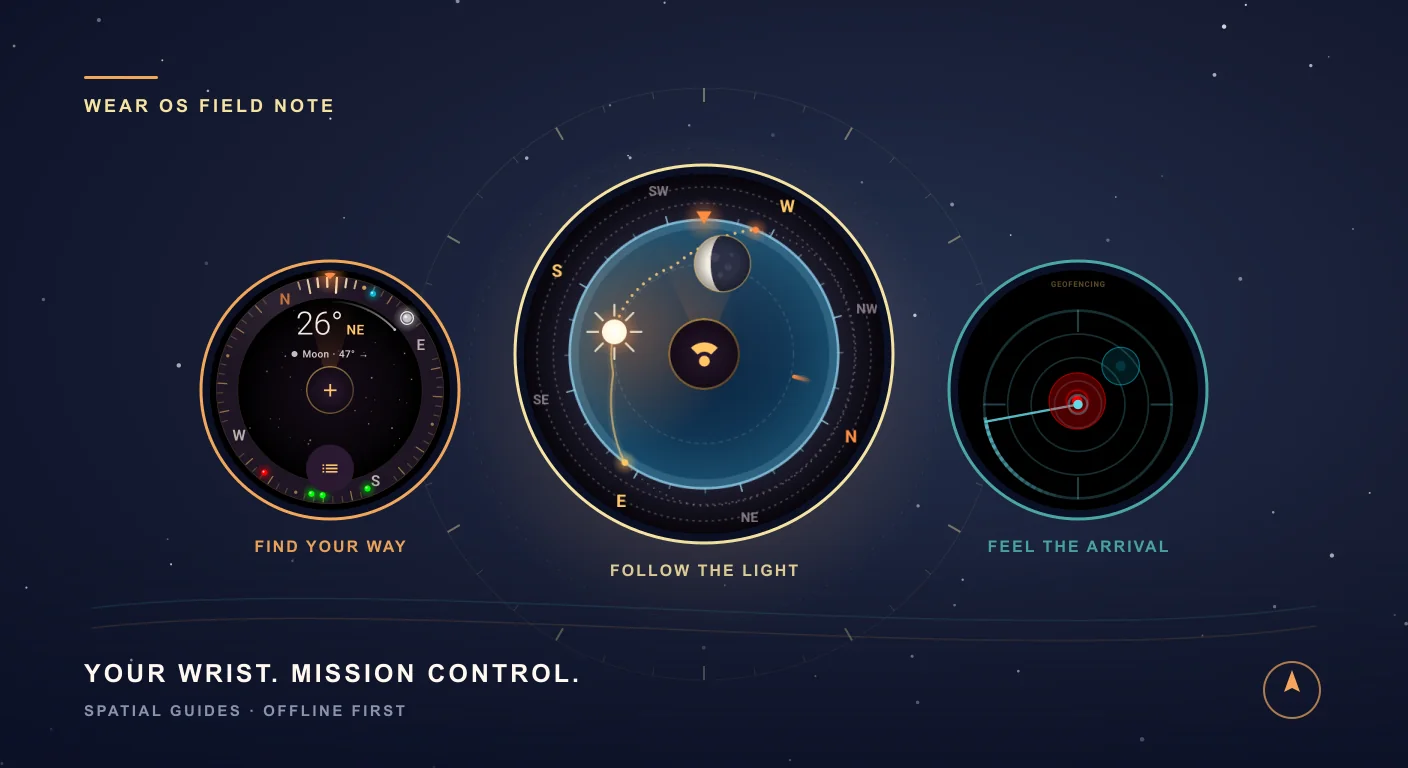
Small screen. Big adventures.
Your Wrist Just Became Mission Control: Meet SIMT for Wear OS
Find the way back. Follow the last light. Feel the moment you cross a boundary. SIMT brings a target compass, a living Sun and Moon dial, geofence alerts and a gravity-powered level to the screen already on your wrist.

Total solar eclipse 2027
The August 2, 2027 Total Solar Eclipse: The Great North African Eclipse, One Year Out
On August 2, 2027, the longest total solar eclipse visible from land this century sweeps across southern Spain and all of North Africa — Morocco, Algeria, Tunisia, Libya, Egypt — before crossing Arabia. It lasts up to 6 minutes 23 seconds, and nothing longer touches land until 2114. The eclipse is a year away: the perfect time to plan it, and SIMT does the planning offline.