
SIMT 1.8 at a glance
SIMT 1.8 opens the biggest release wave the app has shipped to date. We call it the Constellation Update, because constellations are exactly what it is about: the satellite constellations you can now command in the new GNSS tool, the constellation of devices you can link over local Wi-Fi, and the real constellations you can now pin to your compass as celestial targets.
If you have ever wanted one app that handles the parking garage, the trail, the night sky, and everything in between, this is the update that makes the case. Here is everything in detail.
Map Creator mode: write on your own map
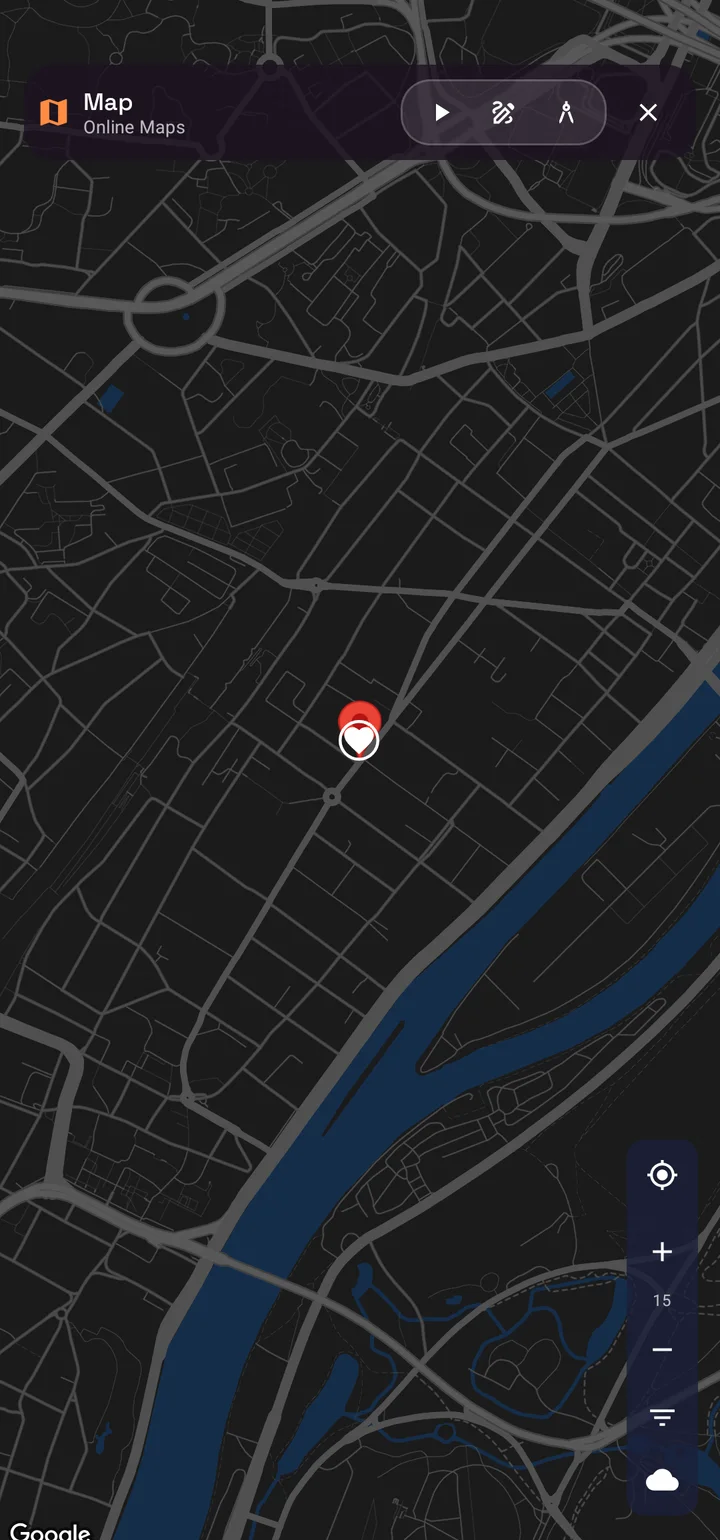
Maps name the world for everyone. Your world deserves your own names. The new Creator mode on the SIMT map adds an Editor toggle that turns the map into a canvas: drop new targets directly where you tap, and place dynamic text labels anywhere on Earth.
- Tap the map to set exactly where a label appears, then type what matters: a gate code hint, a parking level, a trailhead note, a berth number.
- Tune each label's font size and choose the zoom range where it appears, so close-up details stay hidden until you actually zoom in.
- Labels are pinned to real coordinates and render cleanly over any map style, with smart overlap handling so the important ones stay readable.
- Long-press any label to edit or delete it, and use the Text filter to show or hide all your labels in one tap.
Your labels live on your device and travel with your map everywhere, online or offline. It is your territory, annotated in your own words.
The new GNSS tool: take command of the satellites above you
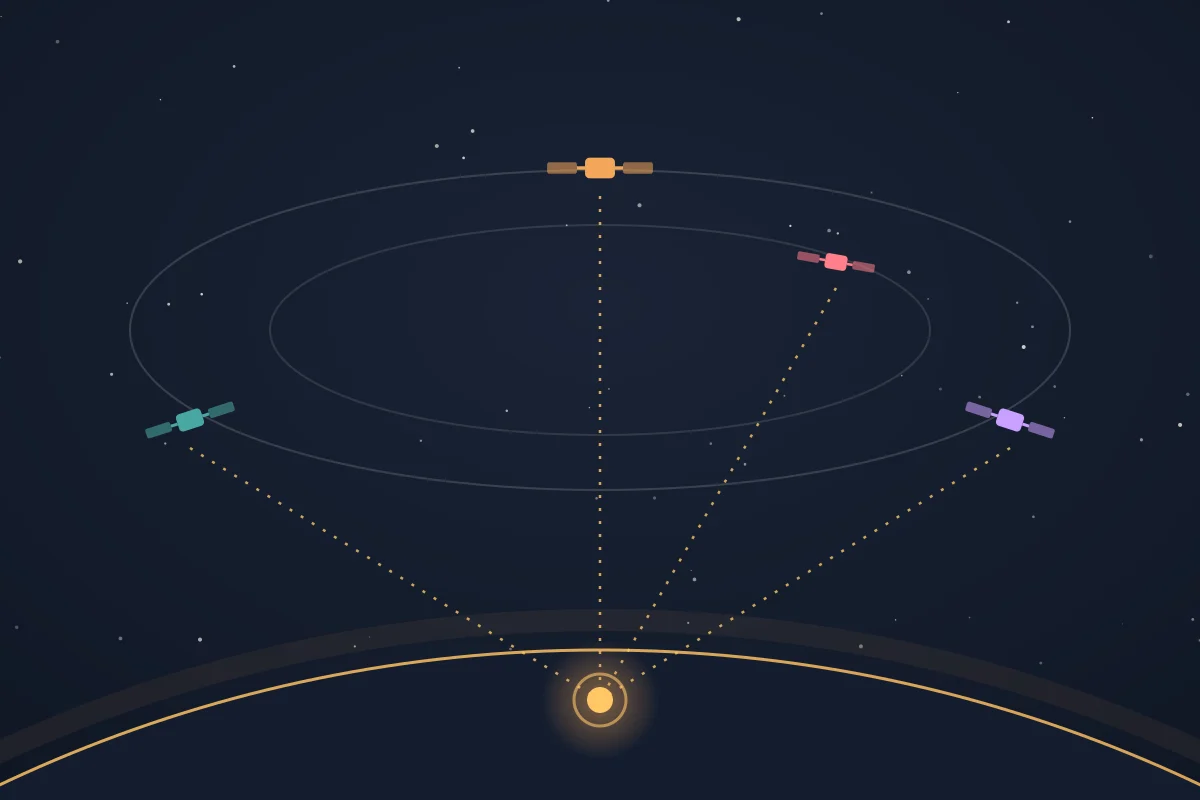
Most apps treat location as a black box. SIMT now opens that box completely. The new GNSS tool puts three positioning pipelines side by side on a live map: your phone's fused location, the classic GPS provider, and SIMT's own raw GNSS engine, which processes satellite measurements directly on your device.
- Choose exactly which satellite systems contribute to your fix: GPS, GLONASS, Galileo, BeiDou, QZSS, NavIC, and SBAS can each be toggled on or off.
- Pick a correction mode: broadcast-only, PPP precise point positioning via SSR streams, or RTK against NTRIP base stations, with fully editable caster settings.
- Watch live diagnostics as the solution converges: residual error, satellites tracked, constellations in use, and correction streaming status.
- Pin any fix to compare pipelines, set it as your current location, or turn it into a target on the spot.
Background GNSS fetching: precision that does not make you wait
High-precision fixes take time to converge, and your time is better spent elsewhere. GNSS location fetching now continues in the background: start a session, leave the app, and SIMT keeps listening to the sky until your position is ready.
SIMT also downloads fresh satellite orbit data automatically while a session runs, pre-seeding the engine with broadcast ephemeris so the solver starts working before your phone's chipset has even finished decoding the same data from the sky. The result is a faster first fix and a smoother path to convergence, with the heavy lifting invisible to you.
The Orrery: a living solar system in your hand
Spin the planets a century forward, watch conjunctions form, then tap any world and aim your compass at it.
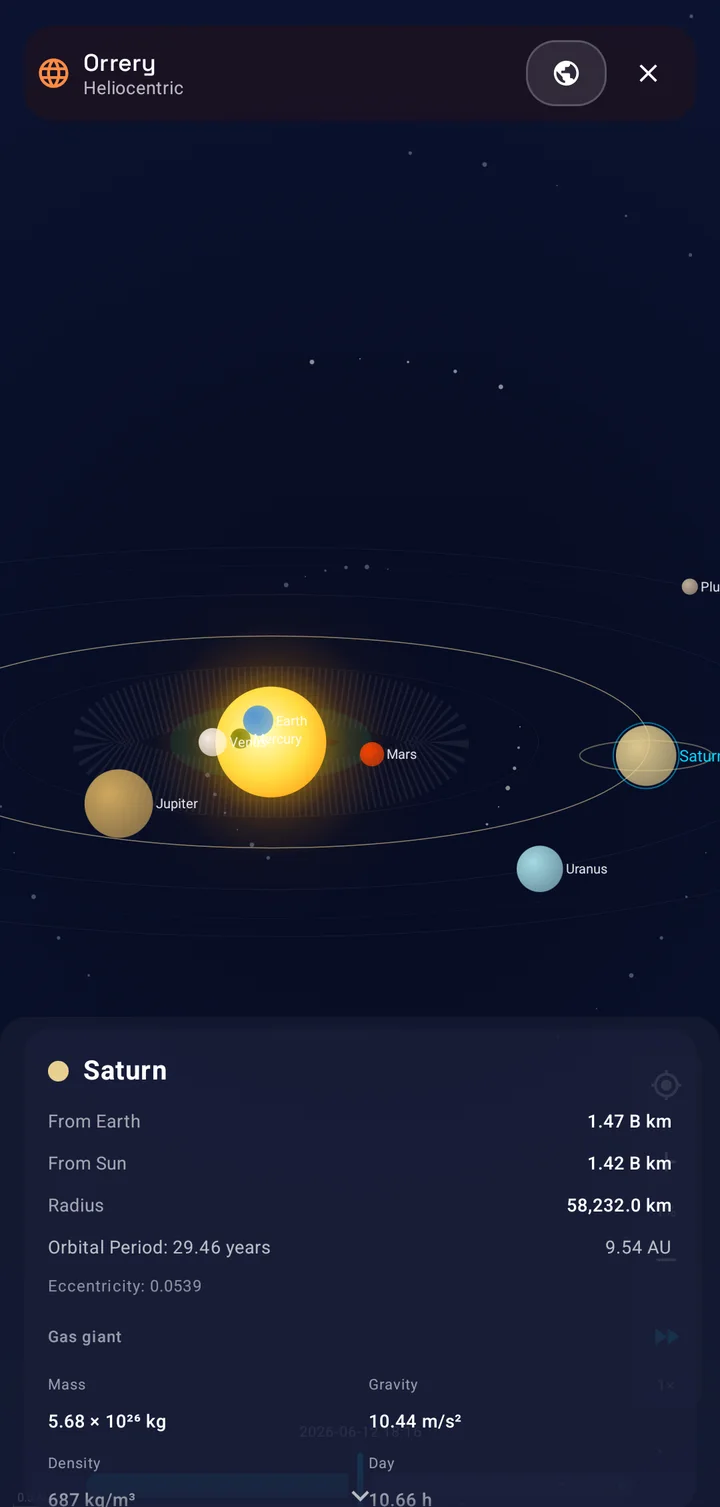
The Orrery is a fully interactive solar system viewer, computed entirely on your device. Two perspectives are built in: Heliocentric mode puts the Sun at the center with every planet from Mercury to Pluto on its true orbit, while Geocentric mode rebuilds the sky around Earth, the way you actually experience it, with the Sun, Moon, planets, and even your own tracked satellites positioned relative to you.
- Tap any body for a detail card with its distance from Earth and from the Sun, orbital period, and a full physical profile.
- Scrub time up to a hundred years in either direction, or let it run at up to 100,000 times real speed and watch the solar system dance.
- Conjunction badges light up when planets meet in the sky, so you know exactly what that bright pair above the horizon is.
- A You Are Here marker keeps you anchored on Earth, and any body can be opened as a target and followed on the compass.
No internet, no telescope, no planetarium ticket. Just open the app and fly.
New celestial targets: pin the deep sky to your compass
Targets are no longer bound to this planet, or even to this solar system. The new Celestial target type lets you create targets for anything in the deep sky: enter a right ascension and declination, optionally add a distance in light years, and SIMT places that star, nebula, or galaxy on your compass.
- Positions are computed offline from your location and the current time, so the compass always points to where the object really is in your sky.
- Celestial targets ride the compass outer ring alongside the Sun, Moon, and planets, with the same alerts and details as any other target.
- Share them like any target: a friend can scan a QR code and have the same galaxy on their compass seconds later.
Point your phone at the Andromeda Galaxy from a city sidewalk. Even when you cannot see it, SIMT knows exactly where it is.
Rise and set, at a glance
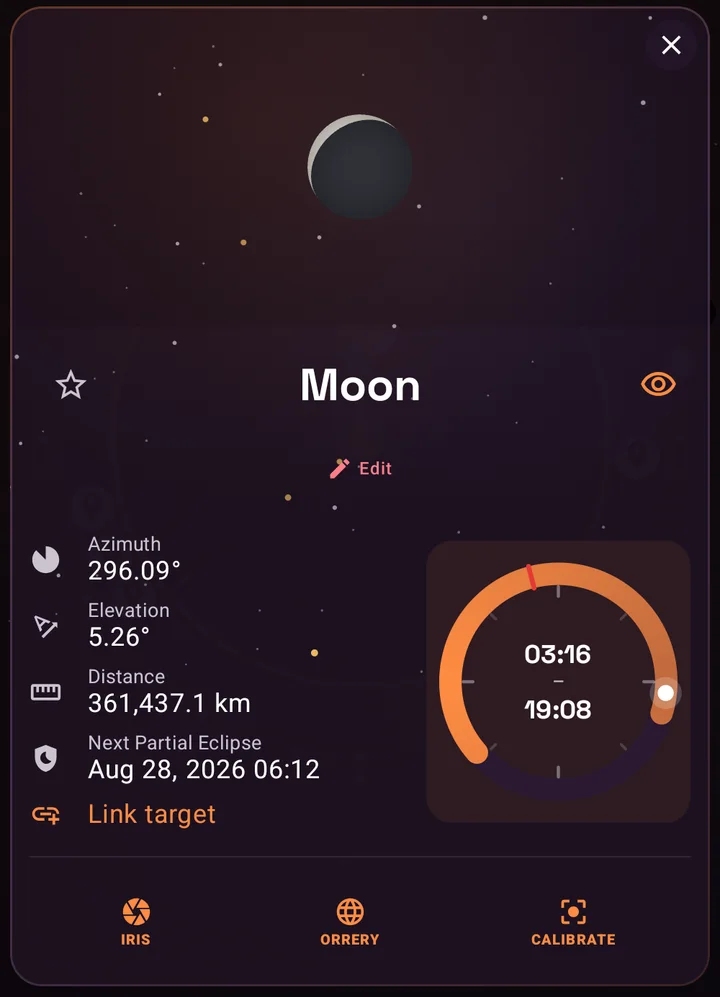
Every sky target now answers the most practical question in astronomy: when can I actually see it? Sky target details gain a 24-hour dial that draws the object's day at a glance, with its rise and set moments as endpoints on the ring and its culmination, the moment it stands highest, marked along the way.
- The dial covers the Sun, the Moon, every planet, and your custom celestial targets.
- Satellites get precise next rise and set readouts, so you know when a pass begins.
- New On Rise and On Set alerts can notify you the moment any sky target crosses the horizon, perfect for catching a moonrise or a satellite pass without watching the clock.
GeoQuest: how well do you really know the world?
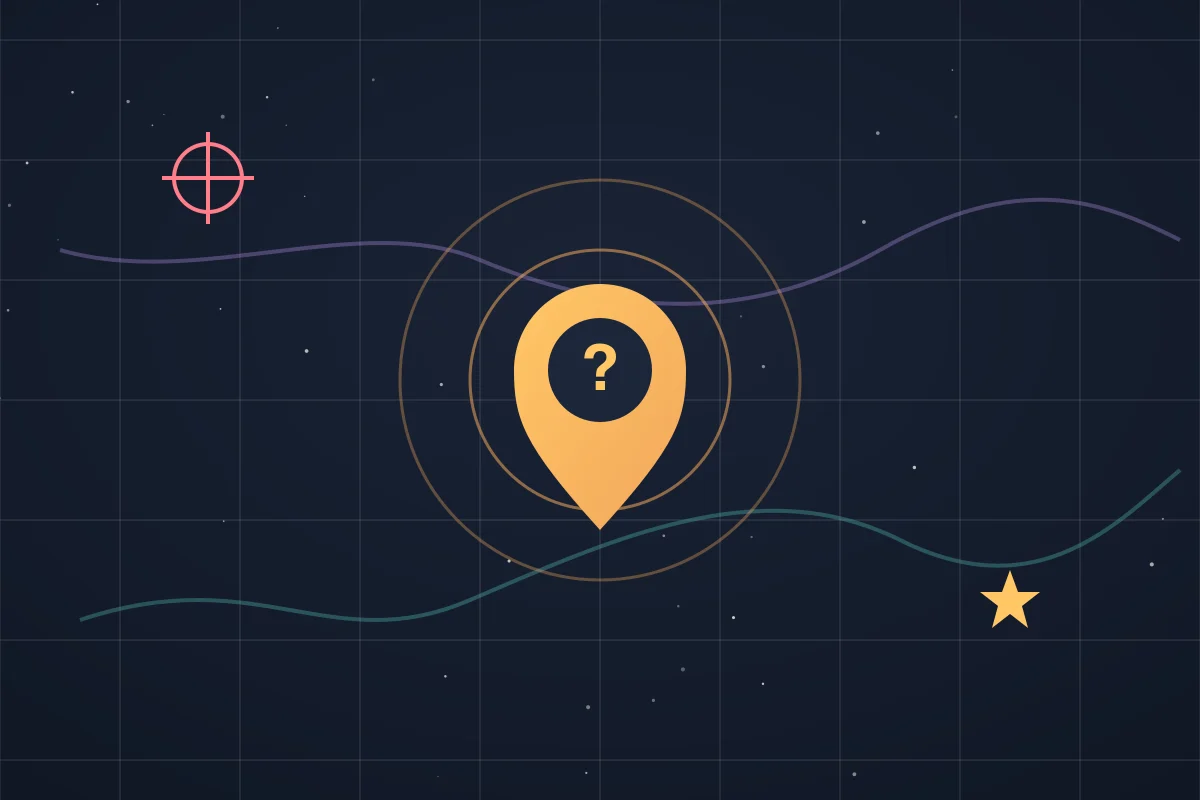
Navigation skills deserve a playground. GeoQuest is SIMT's new geography game: the app names a place, and you drop your guess on a world map. Five rounds, a ticking timer, and a scoring system that rewards both precision and speed.
- Major Cities: around 300 famous cities and a generous 30-second timer, the perfect warm-up.
- Capitals: every capital on Earth with 20 seconds per round.
- Explorer: the brutal mode, any of more than 33,000 cities worldwide with just 15 seconds to commit.
- My Targets: the personal mode, where the game quizzes you on your own saved targets. How accurately can you place your own life on a map?
Each round starts from 5,000 points, loses points with every kilometer you miss by, and pays a time bonus for quick answers. Land within 50 kilometers and the game calls it perfect. And in a very SIMT twist, any guess can be saved as a real target, score attached, so a lucky shot can become a future destination.
Plumb Bob: a new compass view for the vertical world
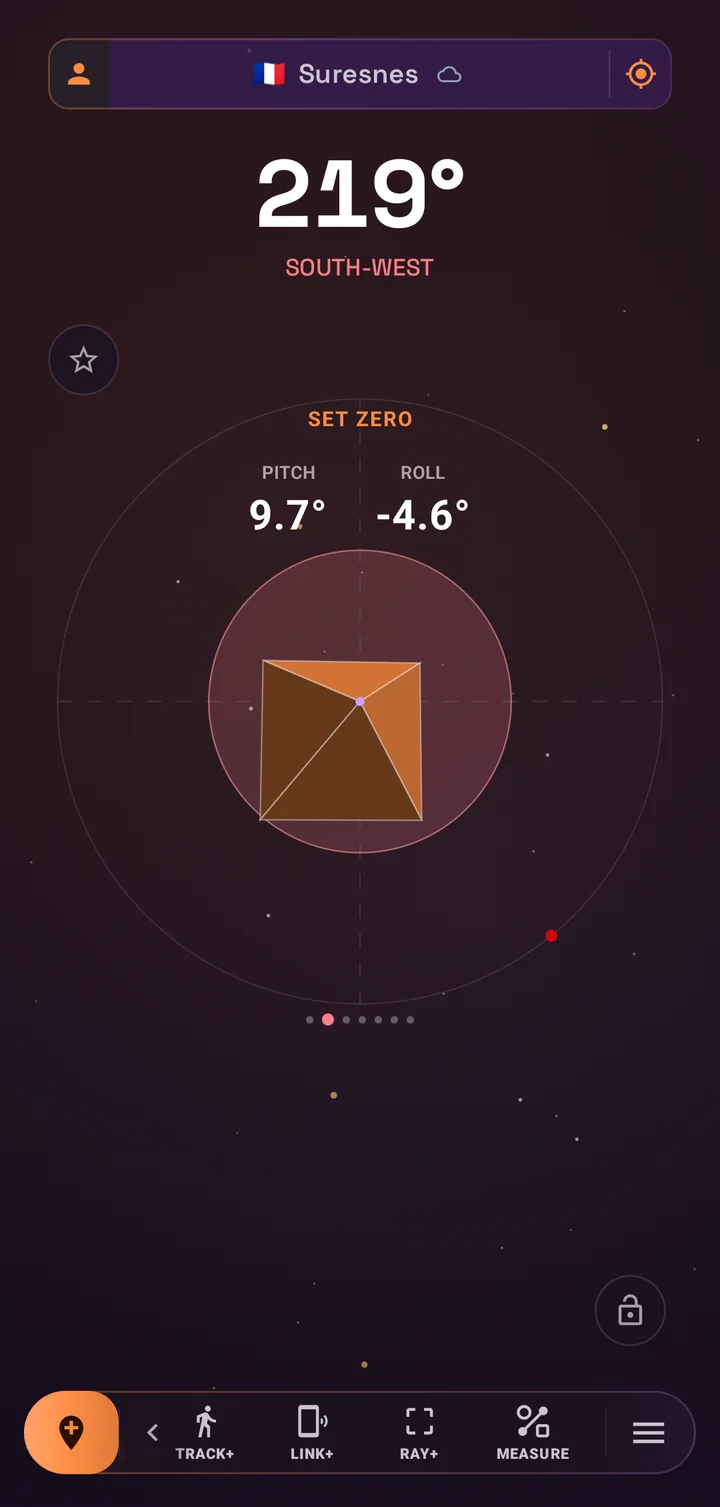
The compass view pager gains a new member: Plumb Bob, a digital take on the oldest precision tool in construction. It visualizes your phone's orientation against gravity itself, with live pitch and roll readouts rendered in a clean instrument-style display.
- Check a shelf, align a post, level a frame, or verify a slope with the device you already have in your pocket.
- Set Zero calibrates against any reference surface, and Reset to World snaps back to true gravity.
- Swipe to it like any other compass view, no separate tool to hunt for.
Together with the existing measurement tools, Plumb Bob makes SIMT a genuinely useful companion on a job site, not just on a trail.
Image cropping: keep the detail, cut the noise
Target photos carry real information: the door you entered, the pillar code next to your car, the sign at the trail junction. The new cropping tool lets you cut every photo down to exactly that information. Open any target image, draw a crop rectangle, move and resize it until it is right, and apply.
Cropping works hand in hand with the existing rotate tool, and SIMT asks for confirmation before anything permanent happens. Cleaner images mean faster recognition when you are standing in a garage trying to match a photo to a pillar.
Link+ grows up: link multiple devices at once
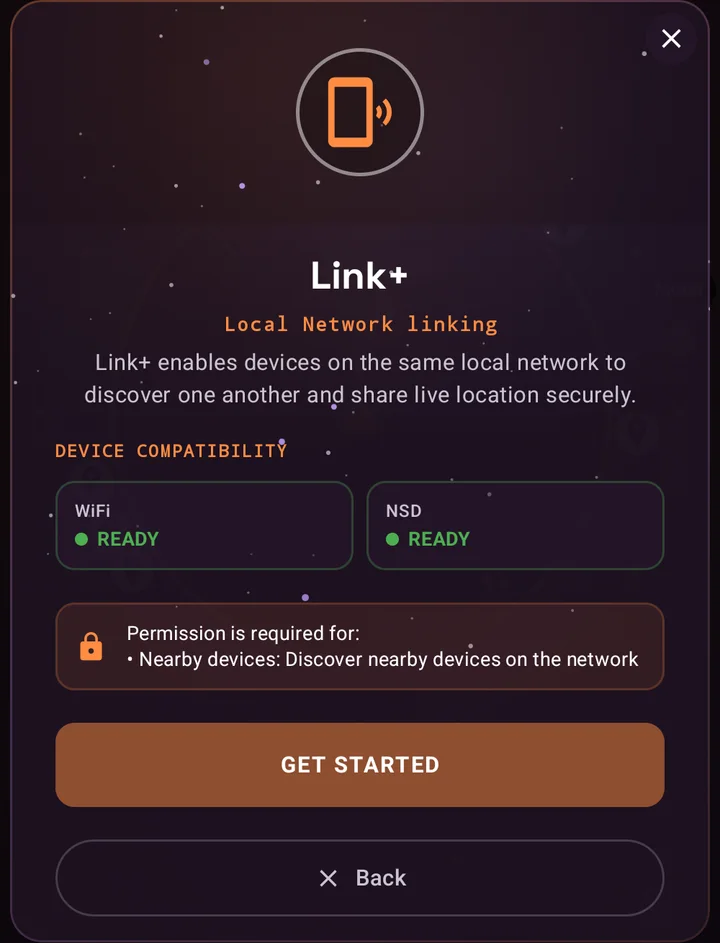
Link+ shares live location over the local network with no internet and no cloud, and it now speaks to multiple devices at the same time. The new dashboard shows every connected device and counts your active links, turning a one-to-one channel into a true local constellation: a family in a theme park, a dive crew on a boat, a team spread across a festival ground.
- Every linked device appears as a live moving target on your compass and map, in signature cyan.
- Send your location once, or enable live auto-share to broadcast your position to all linked devices every five minutes.
- Send a Pulse to raise a high-priority ping on every linked device when you need attention now.
- All traffic stays on your local network, secured end to end with mutual TLS, and never touches a server.
Weather on the compass
The compass home now reports the sky's mood as well as its directions. A live weather icon joins the top display, powered by the Open-Meteo service, refreshing hourly and following your manual location when you have one set.
It is deliberately quiet: one glanceable icon, no banners, no noise. And because SIMT stays honest about connectivity, the icon simply steps aside when you are offline or when you switch the Online Weather setting off. Nothing in the core compass ever depends on it.
Google Drive backup: your spatial life, portable
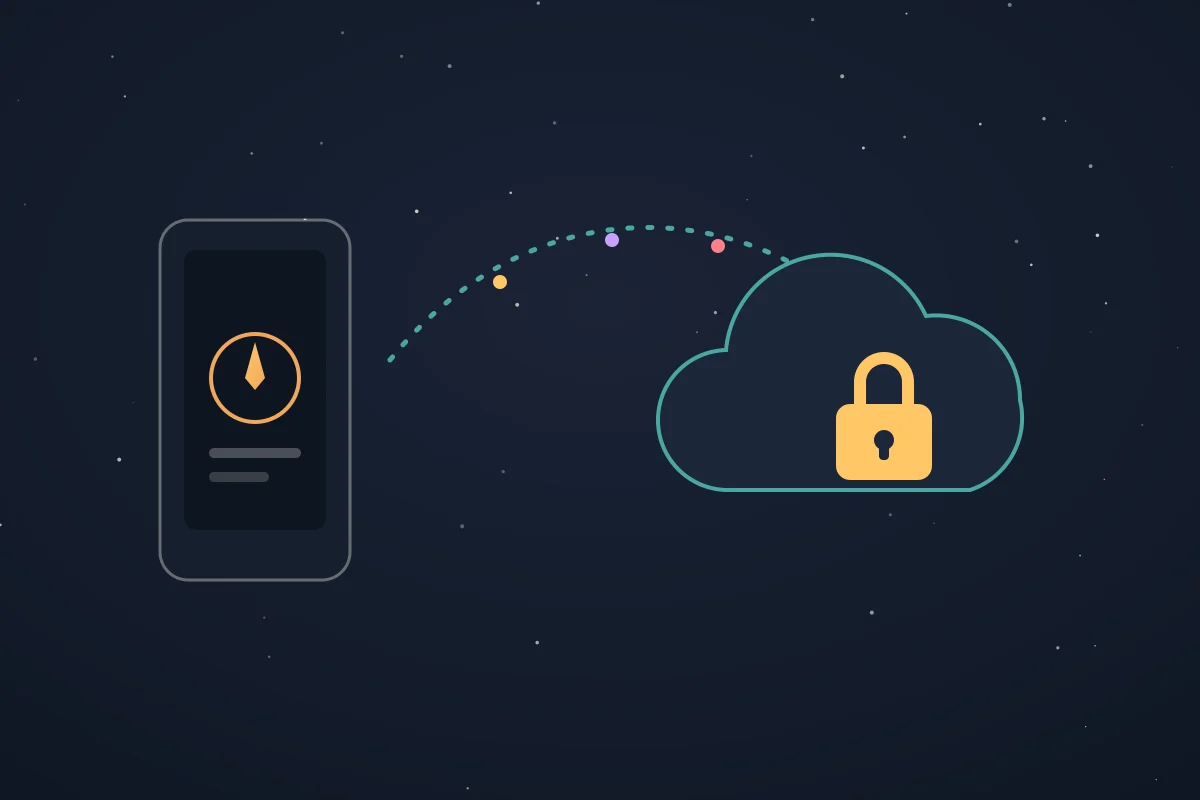
Your targets, tracks, custom map labels, settings, and target photos add up to something precious: a private map of your life. Data backup to Google Drive makes that map portable. One tap packs everything into a single backup, with large photos compressed intelligently, and stores it in a private app folder on your own Drive that only SIMT can see.
- Restore on a new phone and pick up exactly where you left off, images included.
- Enable automatic weekly backups and never think about it again.
- Sign-in is only needed for backup itself; everything else in SIMT keeps working without any account.
- On-device by default stays the rule: backup is optional, explicit, and entirely yours.
Get the Constellation Update
Every feature in this release is free, and almost all of it works completely offline: the Orrery, celestial targets, rise and set visuals, the map you annotate, the GNSS engine, Plumb Bob, and Link+ all run without a connection. SIMT 1.8 updates are rolling out now on Google Play for Android phones and Wear OS.
Download SIMTGet SIMT on Google Play and explore the Constellation Update: command the satellites, annotate your map, fly the solar system, and link your crew, all in one app.Whether you navigate parking garages, trails, open water, or the night sky, this update is the strongest answer yet to a simple question: why carry five apps when one compass can do it all?
Questions answered in this guide
Is SIMT 1.8 a free update?
Yes. SIMT and every feature in the Constellation Update, from the GNSS tool to the Orrery and GeoQuest, are free on Google Play, with no subscription and no account requirement.
Does the Orrery need an internet connection?
No. The Orrery computes planetary positions entirely on your device, in both heliocentric and geocentric modes, including time travel up to a hundred years in either direction.
Which satellite systems can the GNSS tool use?
GPS, GLONASS, Galileo, BeiDou, QZSS, NavIC, and SBAS. Each constellation can be toggled individually, and you can add PPP or RTK corrections via NTRIP for higher precision.
How many devices can Link+ connect at once?
Link+ now supports multiple simultaneous linked devices on the same Wi-Fi network. Each one appears as a live moving target on your compass and map, with no internet or cloud involved.
What does the Google Drive backup include?
Backups include your targets, tracks, settings, custom map labels, and target images, stored in a private app-only folder on your own Google Drive. You can also enable automatic weekly backups.
Can celestial targets work offline?
Yes. Celestial targets are defined by right ascension and declination and computed on-device from your location and the time, so the compass points to them with no connection at all.
Can I play GeoQuest with my own saved targets?
Yes. The My Targets mode quizzes you on your own saved locations, and any guess in any mode can be saved as a new target along with your score.
More from SIMT Blog
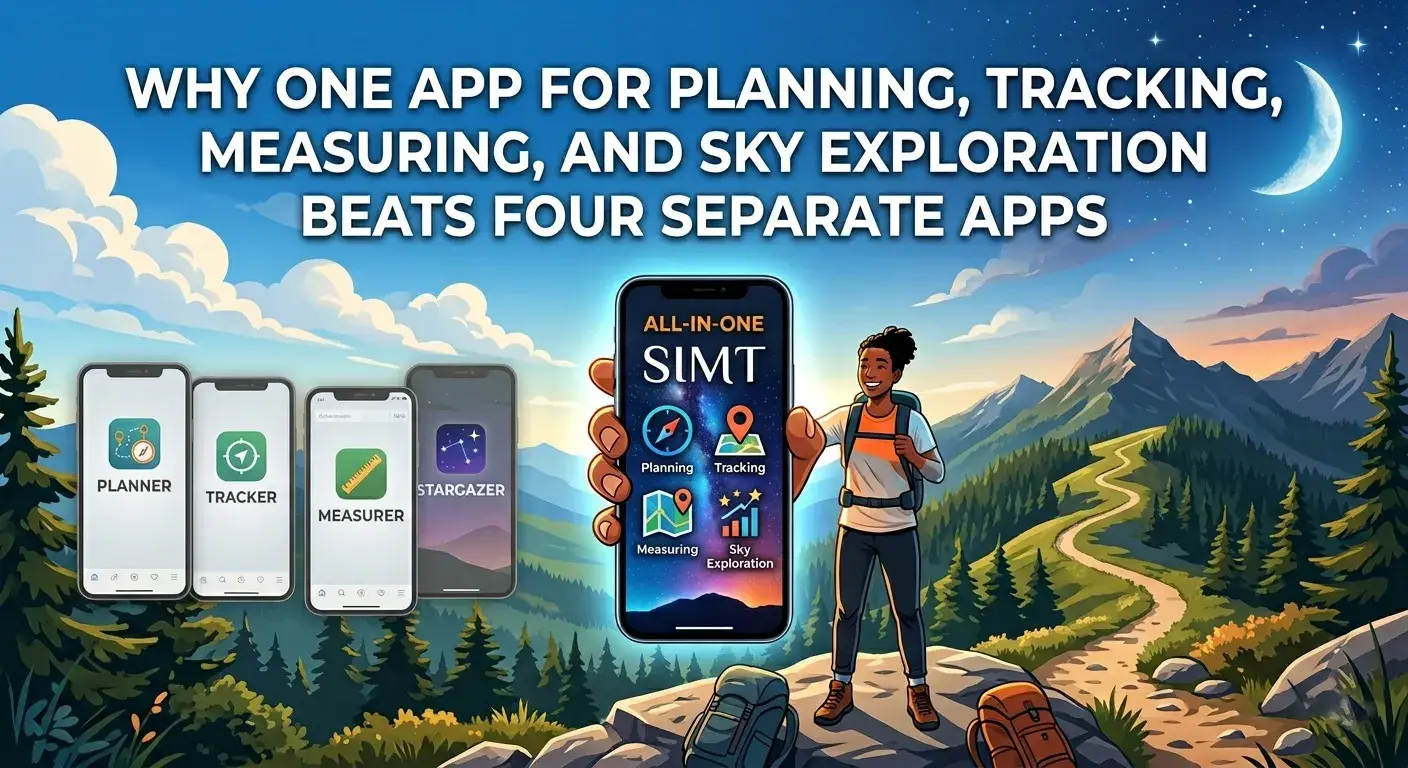
Why one app beats four
Why One App for Planning, Tracking, Measuring, and Sky Exploration Beats Four Separate Apps
Most people carry four or five separate apps for navigation, measurement, local sharing, and sky tracking. SIMT combines all of those into one offline-first toolkit, and the integrated experience is better than the sum of the parts.

Core guide
What Is SIMT? The Offline-First Spatial Toolkit for Android and Wear OS
SIMT is more than a compass app. It is an offline-first spatial toolkit that combines planning, tracking, measurement, local sharing, Wear OS sync, and astronomy tools in a single Android experience.